How Accounting Firms Automate Client Work & Scale Billings
Accounting firms struggle with fragmented tools, manual time tracking, and disconnected client data. mCoreBrain lets you build a unified system in minutes—no code required.

The Accounting Firm Challenge
Accounting practices live in a patchwork of spreadsheets, email threads, and disconnected software. Partners juggle QuickBooks for financials, a separate practice management tool (maybe Karbon or similar), email for communication, and Excel for project tracking. Junior accountants waste time logging hours across multiple systems. Client data lives in three places. Billing deadlines slip. Partners lose visibility into profitability and utilization rates.
Worse: onboarding new staff means teaching them five different platforms and workarounds.
Traditional CRM/ERP solutions—Salesforce, SAP, even accounting-specific platforms—demand months of implementation, steep consultant fees, and rigid workflows that don't match how accountants actually work.
What mCoreBrain Solves for Accounting Firms
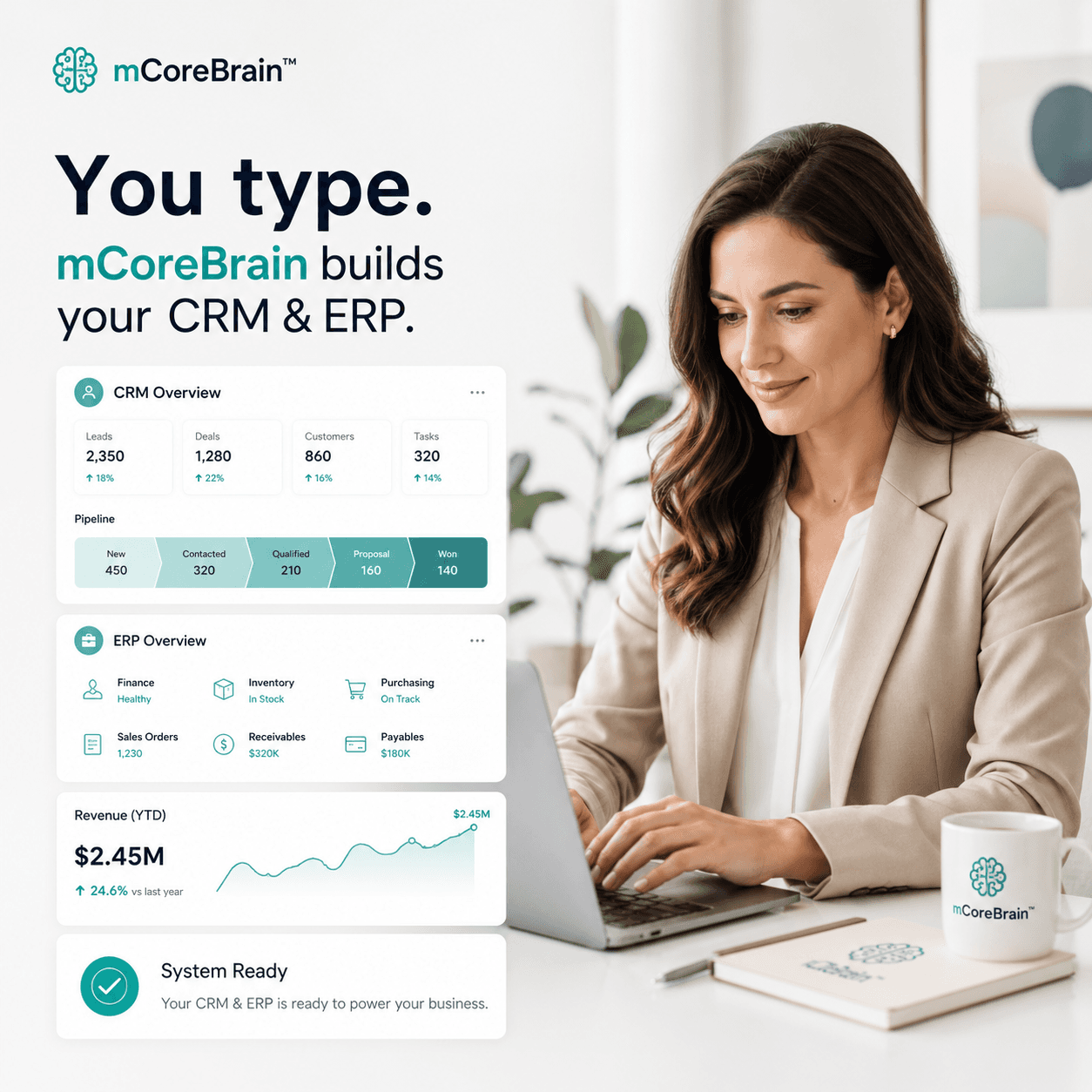
mCoreBrain lets you describe your firm's process in plain language, and the AI generates your entire operating system in real time.
Imagine telling the platform:
- "We manage clients, track engagements (tax, audit, consulting), log billable hours, generate invoices, and track payment status."
- "Partners need visibility into utilization rates, revenue by service line, and team capacity."
- "Staff should log time daily against projects, and the system should auto-populate invoices."
- "Clients should have a portal to upload documents and see invoice status."
- A client management module with contact, engagement history, and service preferences
- An engagement tracker with status pipelines (scoping → in-progress → review → delivered → invoiced → paid)
- A time-tracking system linked directly to engagements and billable rates
- Automated invoice generation based on logged hours and fixed fees
- Role-based access: Partners see financials and team utilization; staff see only their assigned engagements and time-logging interface; clients see their own documents and invoices
- Workflows that auto-notify staff when a project transitions to review, or remind partners when invoices are overdue
Real Workflow: Onboarding a Tax Client
- Partner creates a new client record (name, contact, tax ID, service type).
- mCoreBrain auto-generates an engagement record with a pre-built pipeline (intake → preparation → review → filing → close).
- System sends the client a document request portal with a pre-filled template (returns, receipts, prior-year docs).
- Staff log time as they work; the system ties hours to the engagement and applies the correct billable rate.
- Partner reviews work in progress, moves the engagement to "review" stage.
- System auto-generates an invoice, pulls logged hours, applies retainers or fixed fees, and emails it to the client.
- Payment status updates automatically when the client pays via integrated payment link.
- Partner views a dashboard: total hours billed this month, utilization rate by team member, revenue by service line, aging invoices.
Why This Matters
Speed to profitability: Firms typically lose 5–15% of billable hours to administrative overhead, poor time tracking, and invoice delays. Automating this workflow recovers margin immediately.
Scalability: Adding a new service line (e.g., bookkeeping, advisory) doesn't require IT work—describe it, and the platform generates the workflow.
Staff retention: Accountants join firms to do accounting, not data entry. Self-service time logging and engagement tracking reduce administrative friction and improve job satisfaction.
Client experience: Clients get real-time visibility into their case status, can upload documents directly, and receive invoices on time. This builds trust and reduces follow-up emails.
Partner insights: For the first time, partners see the true health of their practice: Which service lines are most profitable? Which staff members have capacity for new work? Are we billing enough for engagements? The dashboard answers these in seconds.
The Governance Layer Matters
mCoreBrain's two-layer architecture is critical for accounting firms. The admin layer (partner-only) lets you configure fee structures, engagement templates, and approval workflows. The business user layer (staff and clients) is read-only for sensitive data—staff can log time and view their own work, but cannot see partner profitability or change billing rates.
This balance between flexibility and control is why accountants trust the system immediately.
Getting Started
You don't need to know what modules you want before you start. Just describe your firm: "We do tax, audit, and bookkeeping. We have 12 staff and 50 active clients. We bill hourly and by fixed fee. We need to track hours, generate invoices, and see utilization." mCoreBrain generates the rest.
Deploy to production in a day. Train staff in an afternoon. Start billing smarter by the end of the week.
Ready to unify your accounting firm on one AI-native platform? Visit mCoreBrain.org to describe your practice and generate your full CRM/ERP in minutes. No code, no consultants, no long implementation. Just fast, intelligent systems that scale with your firm.