How Consulting Firms Win Projects & Manage Delivery
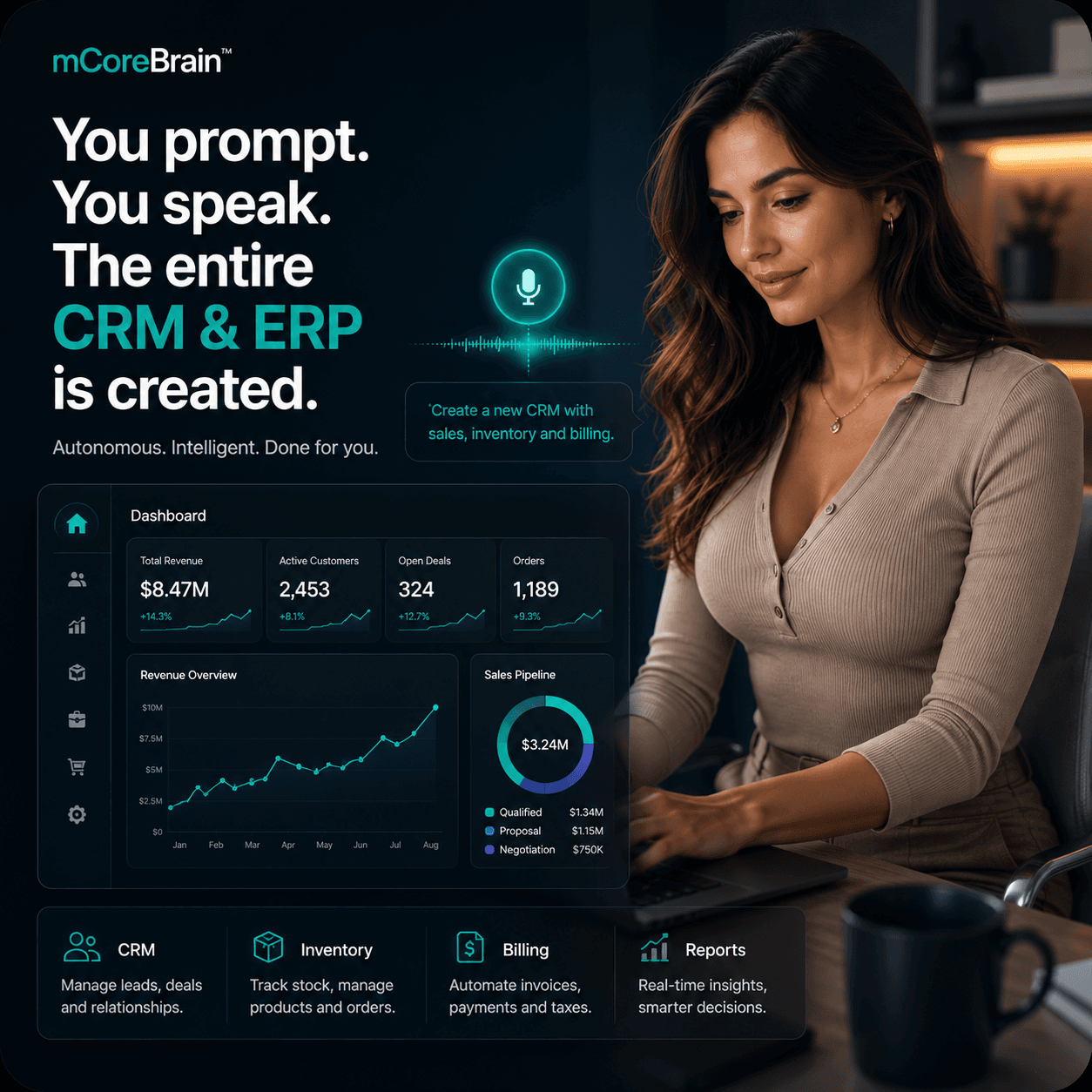
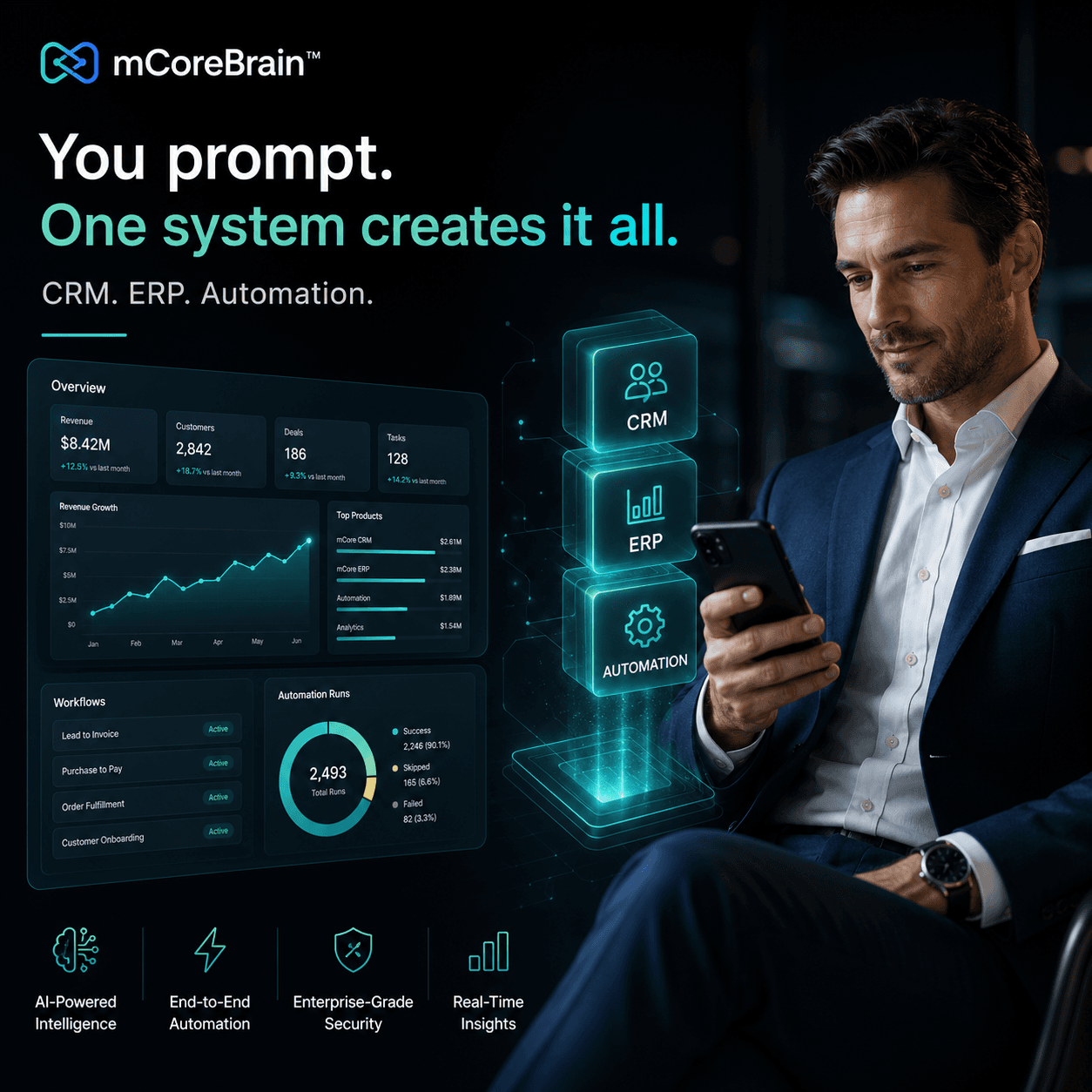
Consulting firms juggle proposals, timesheets, billable hours, and client expectations across multiple projects. mCoreBrain lets you build a custom project delivery system in minutes—no code required.

The Consulting Firm Bottleneck
Consulting firms live in a state of controlled chaos. You're managing proposals, scopes, timesheets, resource allocation, client communications, and billing—often across spreadsheets, email threads, and three different platforms that don't talk to each other.
A partner sends a new RFP. Your operations team manually creates a project folder, adds team members to a shared drive, emails the resource scheduler, starts a separate Gantt chart, and creates a billing entry in accounting software. Meanwhile, consultants are logging hours in one system, clients are getting updates via email, and no one has a single source of truth for project status.
The cost? Delayed start dates. Missed billable hours. Scope creep. Unhappy clients. And your team working in silos instead of collaborating.
Why Traditional CRM/ERP Fails Consulting
Salesforce can track leads. HubSpot can nurture pipelines. But neither was designed for the reality of consulting delivery: managing concurrent projects, tracking billable utilization, allocating scarce resources, capturing real-time project health, and ensuring profitability.
You end up bolting on Asana for projects, Toggl for timesheets, and a custom billing module—each with its own data entry, its own logic, and its own version of the truth.
What mCoreBrain Changes
With mCoreBrain, you describe your consulting operation in plain language:
"We need to track proposals with stage, value, probability, and assigned partner. Once a proposal closes, auto-create a project with milestones, budget, and resource slots. Consultants log hours by project and task. Managers see real-time utilization and margin. Finance generates invoices based on logged hours and fixed fees. Clients get automated status reports every Friday."
In minutes, mCoreBrain AI generates:
- Proposal module: Track prospects, RFP responses, win/loss analysis
- Project management: Auto-linked projects, milestones, deliverables, dependencies
- Resource planning: Capacity view, skills-based allocation, utilization dashboards
- Timesheet capture: Consultants log hours by project/task; managers approve in bulk
- Financial tracking: Real-time project margin, budget variance, profitability by consultant, client, or engagement type
- Client portal: Auto-generated status updates, deliverable tracking, feedback loops
- Automated billing: Generate invoices from logged hours, fixed fees, or hybrid models
- Role-based access: Partners see business metrics; consultants see their assignments and timesheets; clients see their project health
Real-World Workflow
Monday morning, your business development partner closes a $250K strategy engagement. She clicks "Close Won" in the proposal module.
In seconds:
- A project is auto-created with the client scope, timeline, and budget
- The resource scheduler is notified of required skills and availability dates
- A project kickoff checklist is triggered
- The client receives a welcome email with project details and a portal link
- Finance is informed of the booking and sets up a billing schedule
- Team members log hours by project task; managers approve them daily
- The system shows real-time utilization (are your senior consultants at 85%+ or 60%?)
- Project margin is updated nightly: if hours are running over, alerts fire
- The client portal auto-updates with completed deliverables and upcoming milestones
- Financial dashboards show which client, consultant, and project type are most profitable
The Business Case
Consulting margins depend on three things:
- Utilization: Are your people billable?
- Margin accuracy: Are you billing what you agreed to?
- Speed to cash: How fast from close to invoice?
For a 30-person consulting firm, that's often 5–10% margin improvement and $200K+ in working capital released in the first quarter.
The Setup, Not the System
You don't hire a consultant to build mCoreBrain. You don't wait 12 weeks for implementation. You spend 2–3 hours describing your process, the AI generates your system, your team tests it for a day, and you're live by Wednesday.
If your process changes (new project type, new client segment, new billing model), you update the prompt. The system regenerates in minutes. Your data stays intact.
Next Steps
If your consulting firm is juggling projects across multiple platforms, losing billable hours to poor capture, or struggling to track real-time margin, mCoreBrain is worth a 20-minute conversation.
Visit mcorebrain.org to see how other professional services firms are running operations without the chaos. Book a demo, describe your consulting workflow, and watch the system build itself.