How Divorce Attorneys Manage Cases Without Legacy Chaos
Divorce law firms juggle complex cases, sensitive client data, and tight deadlines. mCoreBrain eliminates spreadsheets and disconnected tools in hours, not months.
The Divorce Law Firm Problem
Divorce attorneys operate in one of the most demanding practice areas. Every case is unique—custody arrangements, asset division, alimony calculations, discovery timelines. You're managing dozens of moving parts simultaneously: client intake, document assembly, court deadlines, settlement negotiations, billing across multiple fee arrangements.
Most firms rely on legacy case management systems (if they have anything at all), or worse—spreadsheets, email threads, and separate billing software. When a partner retires or an associate leaves, institutional knowledge walks out the door. When a case hits complications, critical facts scatter across platforms no one talks to each other.
The result? Missed deadlines. Billing errors. Client frustration. Compliance risk.
What Divorce Practices Really Need
A case management system built for divorce law must handle:
- Multi-stage case workflows: Intake → discovery → mediation/litigation → settlement/judgment → post-judgment
- Complex contact hierarchies: Primary clients, spouses, children, witnesses, opposing counsel, mediators, evaluators
- Document assembly and versioning: Pleadings, settlement agreements, financial affidavits—with audit trails
- Timeline management: Court dates, discovery deadlines, deposition schedules, mediation windows
- Financial tracking: Retainers, hourly billing, contingency fees, expense allocation across cases
- Role-based access: Partners oversee strategy; paralegals manage documents and calendars; billing staff process invoices—no one sees confidential data they shouldn't
- Integration with court systems: Calendar syncs, deadline alerts, filing status tracking
How mCoreBrain Fixes This
Instead of buying a generic "legal case management" platform, describe your practice in plain language:
"We handle divorce cases with multiple stages: intake, discovery, mediation, trial prep, and settlement. We track clients, opposing counsel, witnesses, and mediators. We bill by the hour, manage retainers, and track court deadlines. We need role-based access so partners see strategy, paralegals see document workflows, and billing sees invoices only."
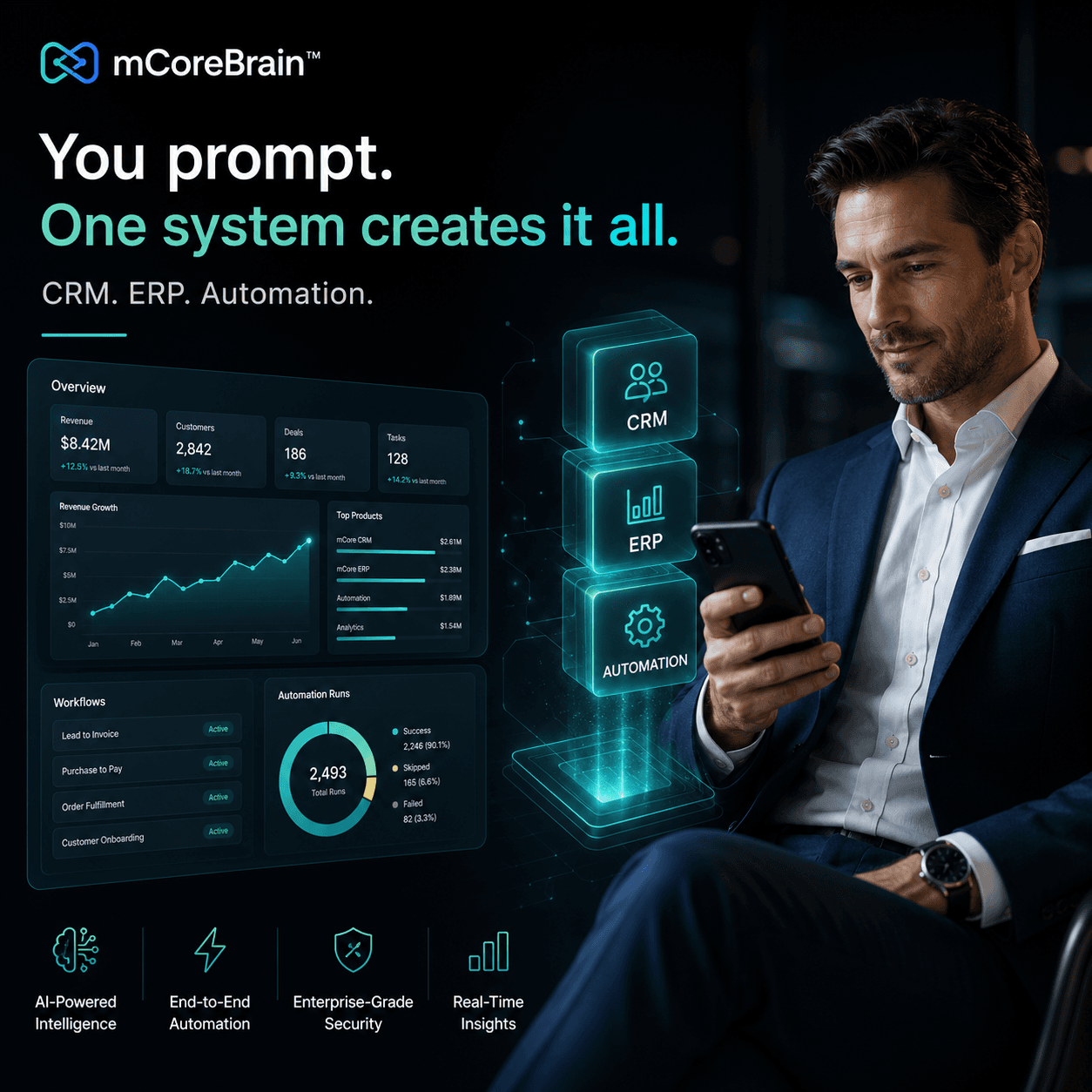
mCoreBrain's AI reads this description and generates your entire system in real time:
- Case entity with fields for filing date, court, judge, case number, status
- Contact entities (clients, spouses, opposing counsel, mediators) linked to cases
- Document pipeline with stages: drafted → reviewed → filed → served
- Financial pipeline with retainer tracking, hourly logs, expense allocation, and invoicing
- Deadline workflow that flags court dates 14 days out, discovery cutoffs, mediation windows
- Role hierarchy that gives partners strategy visibility, paralegals task management, billing staff invoice control
Why This Matters
Speed to deployment: Traditional legal practice management takes 4–6 months to implement. mCoreBrain deploys in hours. You're operational the same day.
Cost efficiency: No expensive setup, no annual licensing bloat, no modules for practice areas you don't do.
Compliance built-in: Audit trails on document changes. Role-based access ensures attorney-client privilege is protected. Deadline tracking prevents malpractice exposure.
Knowledge retention: Case history, client preferences, settlement patterns, and best practices are now stored in the system, not in someone's head.
Client communication: Partners can share case status with clients securely; clients see their own documents and timelines without seeing confidential attorney work product.
Real Workflow Example
A divorce client calls with new income information relevant to spousal support. Today: An associate emails this to a paralegal, who updates a spreadsheet, which gets forwarded to a billing person, who manually recalculates fees.
With mCoreBrain: The client uploads the document to their case portal. The AI-generated workflow flags it for the reviewing attorney. The attorney comments. The discovery task auto-updates. Retainer calculations refresh automatically. The next invoice reflects the change. No manual handoff. No delay.
The Path Forward
Divorce practices don't need a "legal tech" vendor's bloated roadmap. You need a system that matches how you actually work—built in hours, not months, and refined as your practice evolves.
If your firm is tired of spreadsheets, missed deadlines, and billing chaos, stop shopping for legacy platforms. Start describing your practice.
Ready to simplify case management? Visit mCoreBrain.org to describe your practice and deploy your custom system today. No code, no consultants, no complexity—just law.