How Accounting Firms Track Clients, Engagements & Revenue
Accounting firms juggle multiple clients, billable hours, and compliance deadlines across spreadsheets and disconnected tools. mCoreBrain replaces them all in hours, not months.

The Accounting Firm's System Problem
Accounting firms live in a spreadsheet graveyard. A typical mid-sized firm might be running:
- Client management in Excel or a basic database
- Time tracking & billable hours in one tool (or three)
- Engagement workflows scattered across email and Slack
- Revenue recognition spreadsheets updated manually
- Compliance checklists in Word or a filing cabinet
- Project timelines in yet another platform
The result? Missed billable hours, delayed invoicing, compliance gaps, and partners pulling their hair out.
Why Traditional CRM/ERP Fails for Accounting
Salesforce, HubSpot, and generic ERP platforms were built for sales pipelines and manufacturing. They're not built for the specific, nuanced workflows of accounting:
- Multi-level engagement structures (clients → projects → tasks → billable items)
- Complex time-entry and billing rules (fixed-fee vs. hourly vs. value-based)
- Regulatory compliance tracking (audit trails, engagement letters, deadline calendars)
- Revenue recognition matching GAAP or IFRS standards
- Partner profit distribution based on origination, delivery, and cross-selling
How mCoreBrain Works for Accounting Firms
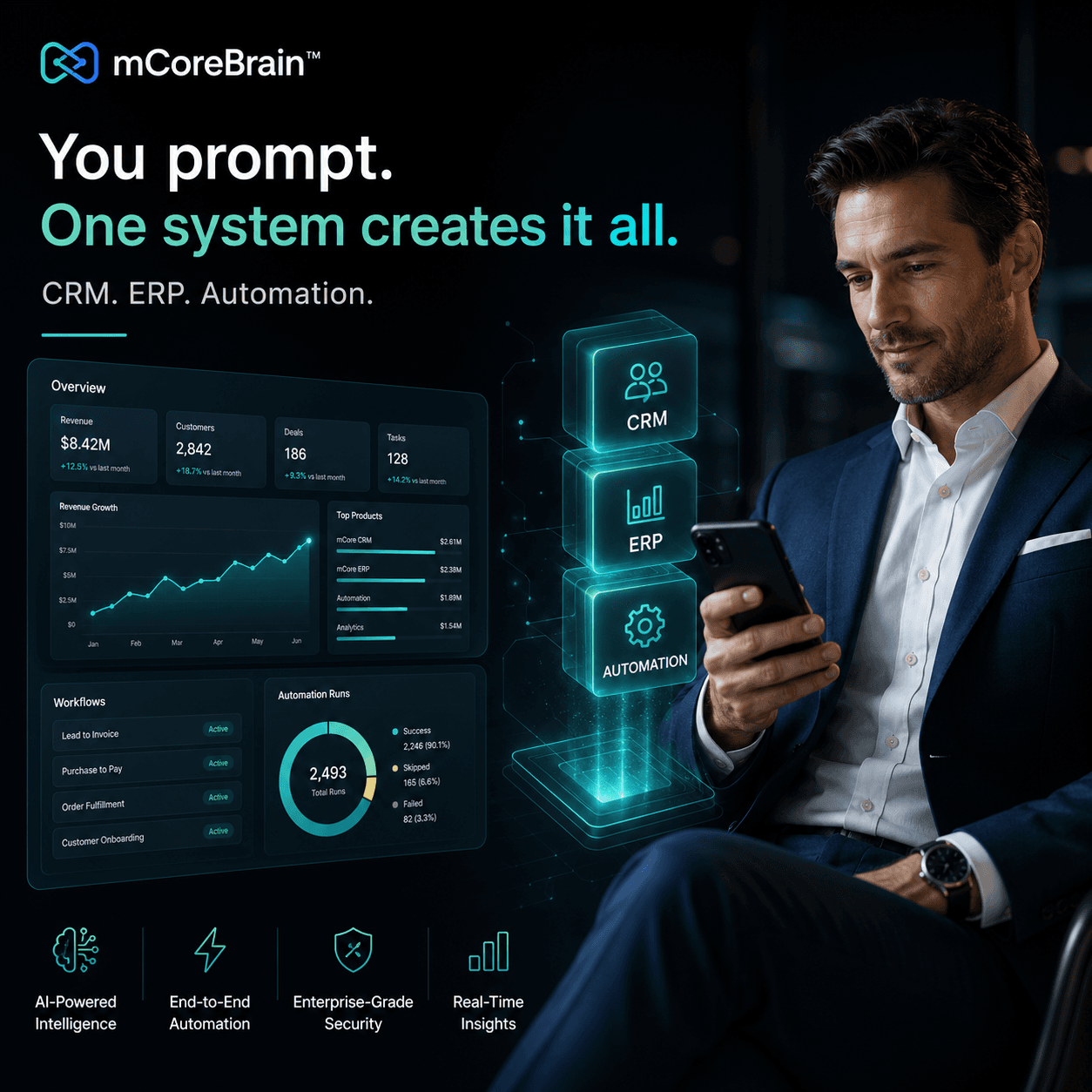
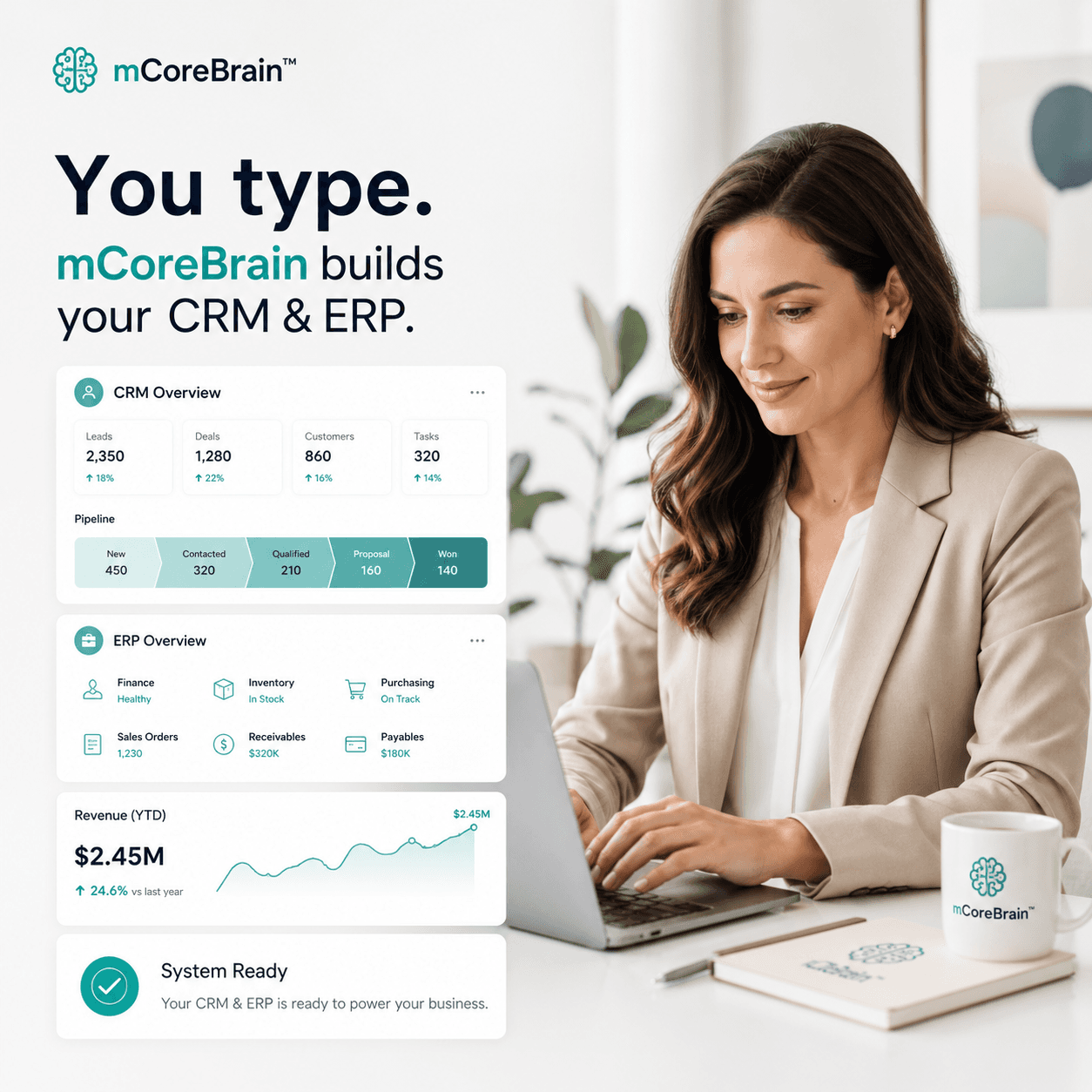
mCoreBrain's prompt-native architecture means you describe your business, and the AI generates your entire system—fields, workflows, dashboards, and pipelines—instantly.
For an accounting firm, that means:
1. Client & Engagement Management Define your client structure: industries served, service lines, engagement types (audit, tax, advisory, forensic). mCoreBrain auto-generates fields for engagement letters, scope, timeline, and budget. Workflows automatically move engagements through planning → execution → review → closeout.
2. Time & Billable Hours Tracking Partners and staff log hours against engagements in real time. mCoreBrain tracks billable vs. non-billable time, caps, and exceptions. Dashboards show utilization by partner, by client, by service line—instantly.
3. Billing & Revenue Recognition Define your billing rules: hourly rates, caps, discounts, fixed fees. mCoreBrain calculates invoices, recognizes revenue by engagement phase, and matches to cash. No more manual spreadsheets.
4. Compliance & Audit Trail Every change is logged. Engagement letters are versioned. Deadlines for tax filings, audit reports, or regulatory reviews are flagged automatically. Audit committees can review history without hunting through folders.
5. Partner & Team Visibility Each partner sees their clients, their team's utilization, their origination credit, and their profitability. Managers see pipeline, capacity, and risk. Admins control what each role sees and does.
Concrete Example: A Tax Practice
A 15-person tax firm uses mCoreBrain to manage 200+ clients across individual and corporate returns.
- Senior partners describe the firm's structure: clients by entity type, engagements by service (individual tax, S-corp return, bookkeeping, advisory)
- AI generates client intake forms, engagement templates, fee schedules, time-entry workflows, and invoice layouts in 30 minutes
- Tax managers set up deadlines (extension deadlines, filing dates, estimated payment dates) and assign tasks to preparers
- Preparers log hours as they work; the system tracks progress and flags overruns in real time
- Partners see year-round revenue forecasts, client profitability, and team utilization
- One click deploys the system to production; no IT, no customization, no ongoing consulting
Why Speed Matters
Accounting is a calendar-driven business. Tax season waits for no one. Filing deadlines don't move.
Traditional ERP implementations take 6+ months—right through tax season. By the time it's live, half your team is burned out, and the system doesn't match how you actually work.
mCoreBrain goes live in days. You adapt it in real time as you learn what works. It grows with your firm without expensive consulting.
The Path Forward
If your accounting firm is managing clients and revenue in spreadsheets, you're leaving money on the table—and risking compliance gaps.
mCoreBrain replaces all of it: client management, time tracking, billing, compliance, and reporting. You describe your business. The AI builds the system. You deploy to production.
Start a free demo at https://mcorebrain.org and see your firm's system in action, live, in 15 minutes.