How Law Firms Manage Cases, Clients & Billing in One System
Law firms waste 40% of their time switching between practice management, billing, and document tools. mCoreBrain eliminates the chaos with one AI-native platform.

The Law Firm Tool Problem
A typical law firm today uses at least five separate systems: case management (Clio, Everlaw, LawLab), billing (billing-specific software or QuickBooks), client communication (Slack, email), document storage (SharePoint, Dropbox), and time tracking (separate timesheets or built into case tools).
Partners waste time reconciling data across platforms. Billing teams chase down timesheets. Associates duplicate case information. Clients get inconsistent communication. And compliance? Good luck auditing who accessed what when.
The core problem: traditional legal software is siloed. Built in the era of the practice manager sitting in one office, not the distributed, AI-driven firm of today.
What Law Firms Actually Need
Law firms need a single system where:
- Cases, clients, and matters are the source of truth. One entry point for case details, billing codes, matter status, and deadline tracking—no duplication, no version conflicts.
- Time and cost tracking flows automatically. Associates log time in the system where they're already working. No separate timesheet app. Billing rules apply instantly: flat fees, hourly rates, billing status, write-offs, all configurable per engagement.
- Client communication is threaded and discoverable. Emails, messages, calls, and documents stay linked to the matter. No more hunting through five inboxes for the client's last instruction.
- Roles and permissions are precise. Junior associates see their assigned cases. Partners see pipeline, profitability, and staffing across all matters. Finance sees all billing and costs. Compliance can audit everything.
- Workflows match firm procedures. Matter creation triggers onboarding checklists. Case status changes trigger billing triggers. Deadlines trigger alerts. No manual handoffs, no forgotten steps.
How mCoreBrain Works for Legal
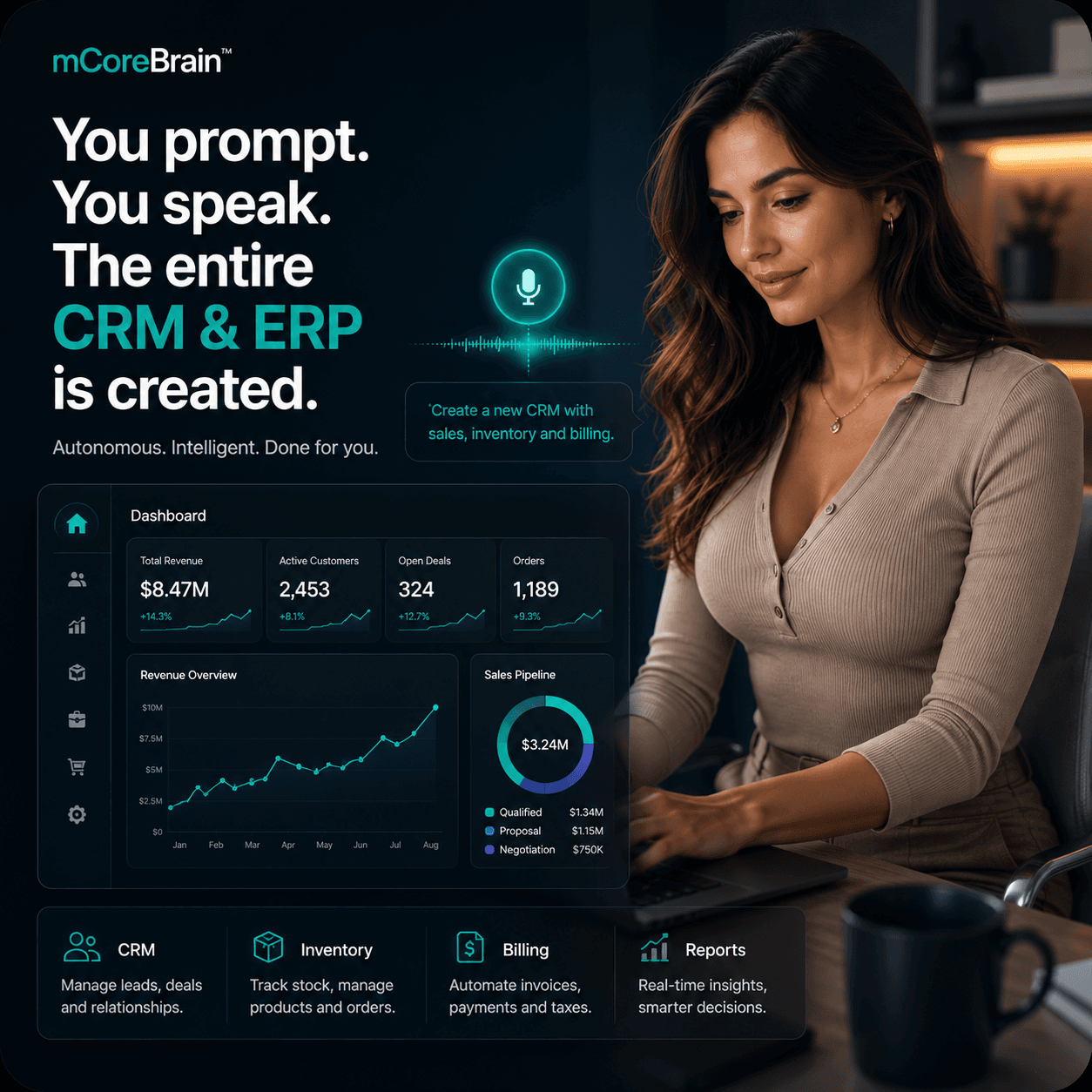
Instead of buying case management + billing + comms + storage, you describe your firm's needs in plain language:
"We manage matters for clients across corporate, litigation, and IP. Each matter has a budget, hourly rate, and deadline. Associates log time daily. Partners need to see profitability and utilization by practice area. We need to track tasks, deadlines, and client communications in one place."
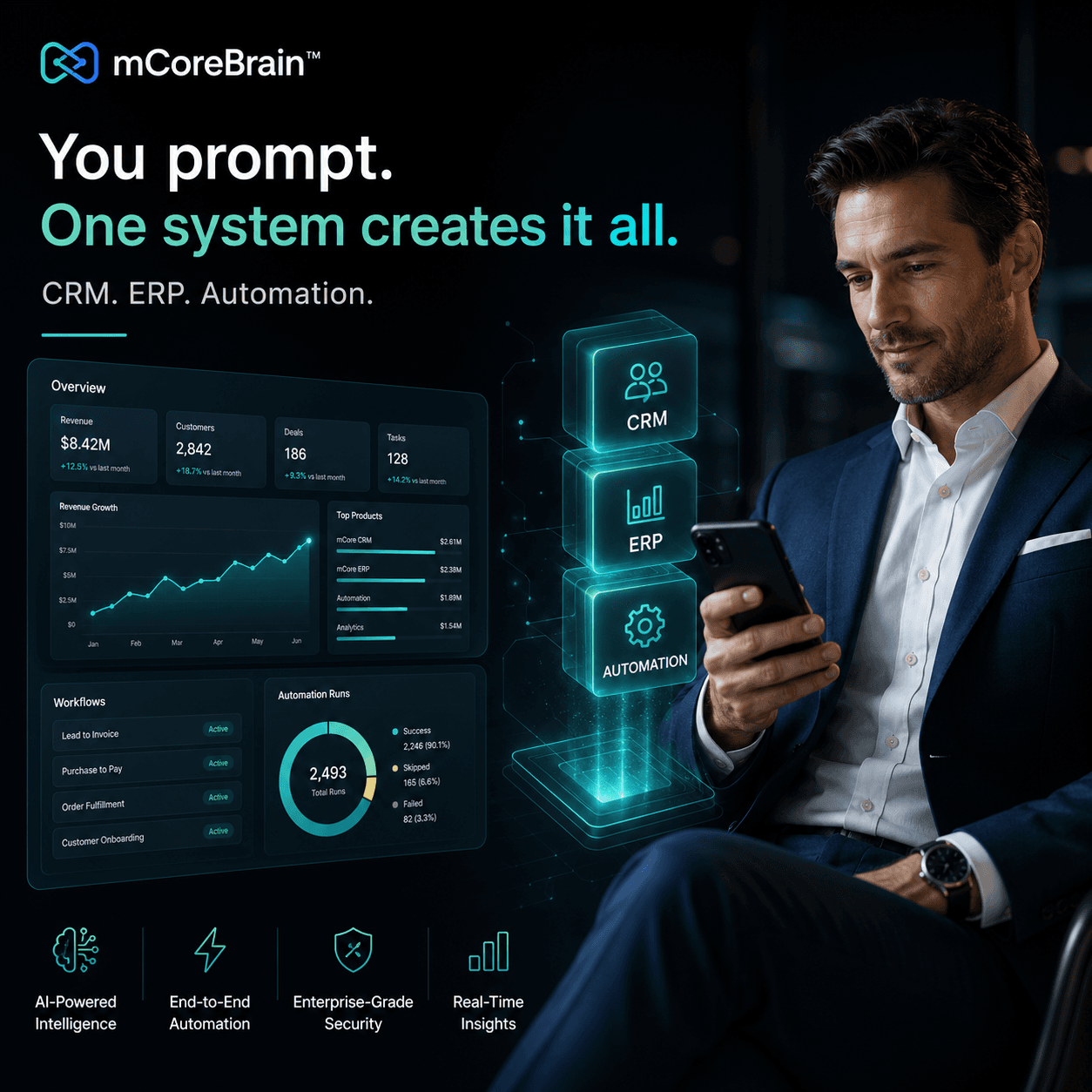
mCoreBrain's AI reads that description and generates:
- A Matter module with fields for client, matter type, budget, rate, status, deadline, and assigned team members.
- A Time Entry module that auto-links to matters and tracks hours, billing status, and rates by practice area.
- A Task & Deadline module with reminders, dependencies, and escalation rules.
- A Communication log that threads emails and notes to each matter.
- Dashboards for partners (profitability, utilization, revenue by practice area) and associates (my cases, my tasks, my time).
- Role-based access: partners see all; associates see their own.
- Billing workflows: time entries roll into invoices automatically, with write-off logic, retainer deductions, and approval gates.
Real-World Outcome
A firm that previously:
- Spent 5+ hours/week reconciling timesheets across tools
- Lost 10–15% of billable time to visibility gaps
- Had billing disputes because invoice calculations weren't auditable
- Missed deadlines because task status was split across Outlook and a case system
- Sees all time, cost, and revenue in one platform
- Generates auditable, client-specific invoices in minutes
- Tracks matter profitability in real time
- Delegates tasks with automatic reminders and accountability
- Onboard new clients in hours, not days
Why This Matters Now
Law firms are under pressure: clients demand fixed fees and transparency; associates expect modern tools; competition for talent is fierce. Legacy practice management platforms are expensive, rigid, and require IT consultants to customize. By the time you've configured them, the firm's needs have changed.
mCoreBrain's prompt-native approach means the system adapts to your firm, not the other way around. You change your procedures—rename a practice area, add a new billing rule, adjust access levels—and describe it to the AI. The system regenerates itself. No code, no consultants.
Getting Started
If your firm still uses spreadsheets for utilization, separate billing software, and manual invoice reconciliation, you're leaving money on the table and creating compliance risk.
Ready to run your firm on one intelligent platform? Visit mcorebrain.org to describe your practice and see your AI-native system generate in minutes. No credit card, no commitment—just a clear view of how modern legal operations can work.