How Logistics Operators Track Shipments Without System Sprawl
Logistics companies juggle dispatch, tracking, billing, and compliance across disconnected tools. mCoreBrain lets you describe your operation once and deploy a unified system instantly.
The Logistics Chaos: Five Tools, One Headache
Logistics operators face a brutal reality. You need dispatch software to assign loads. You need a TMS (Transportation Management System) to track shipments. You need billing integration to invoice customers. You need compliance tracking for DOT, IFTA, and safety audits. You need driver management, vehicle maintenance logs, and fuel reports.
Most logistics companies solve this by stitching together five to seven separate platforms, then hiring integration consultants to make them talk to each other. The result? Data lives in silos. Driver updates don't sync to billing. Dispatch doesn't see live tracking. Compliance reports are manual PDF exports from three different systems.
Worse, when you scale—add a new service line, hire regional managers, onboard a new carrier partner—you're reconfiguring integrations and retraining teams on yet another tool.
Why Traditional TMS/Dispatch Systems Fail at Scale
Legacy logistics software was built for stability, not flexibility. A traditional TMS assumes:
- You'll define your data model once and lock it in for three years.
- You'll hire a consultant to customize workflows.
- You'll wait six months for a feature you need.
- Regional variations or new service types require custom development.
Each change = cost, time, and system downtime.
The mCoreBrain Approach: Describe Your Operation, Get Your System
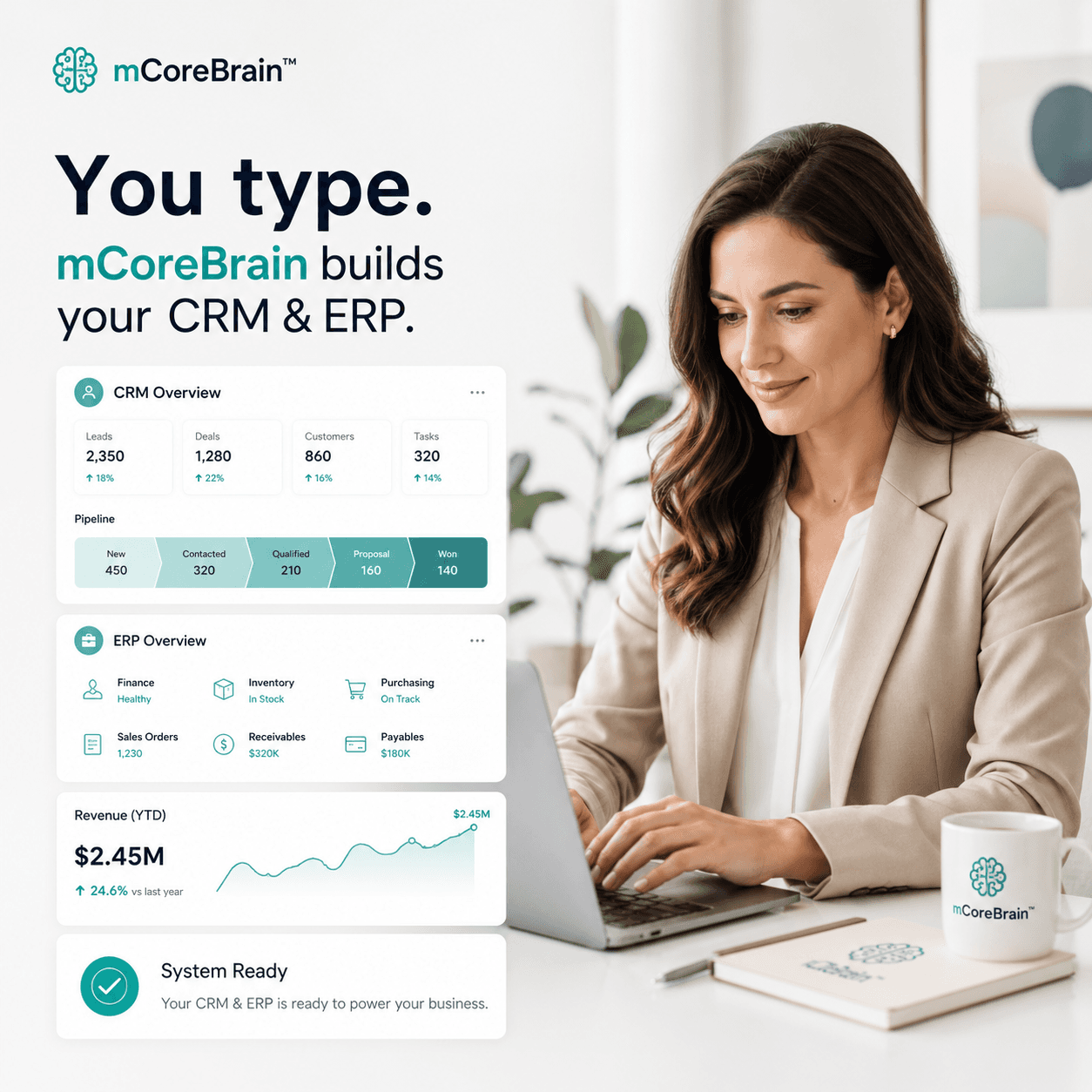
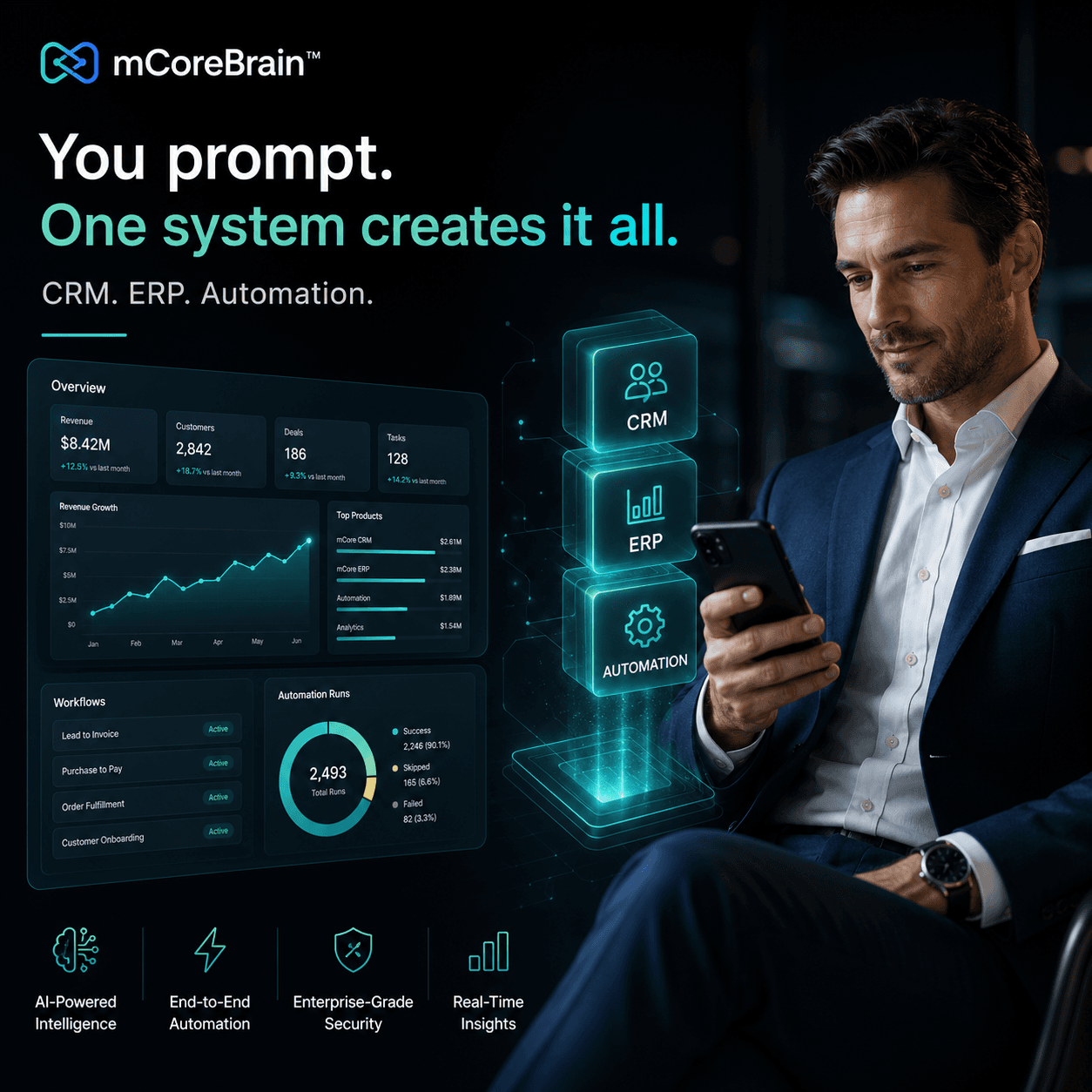
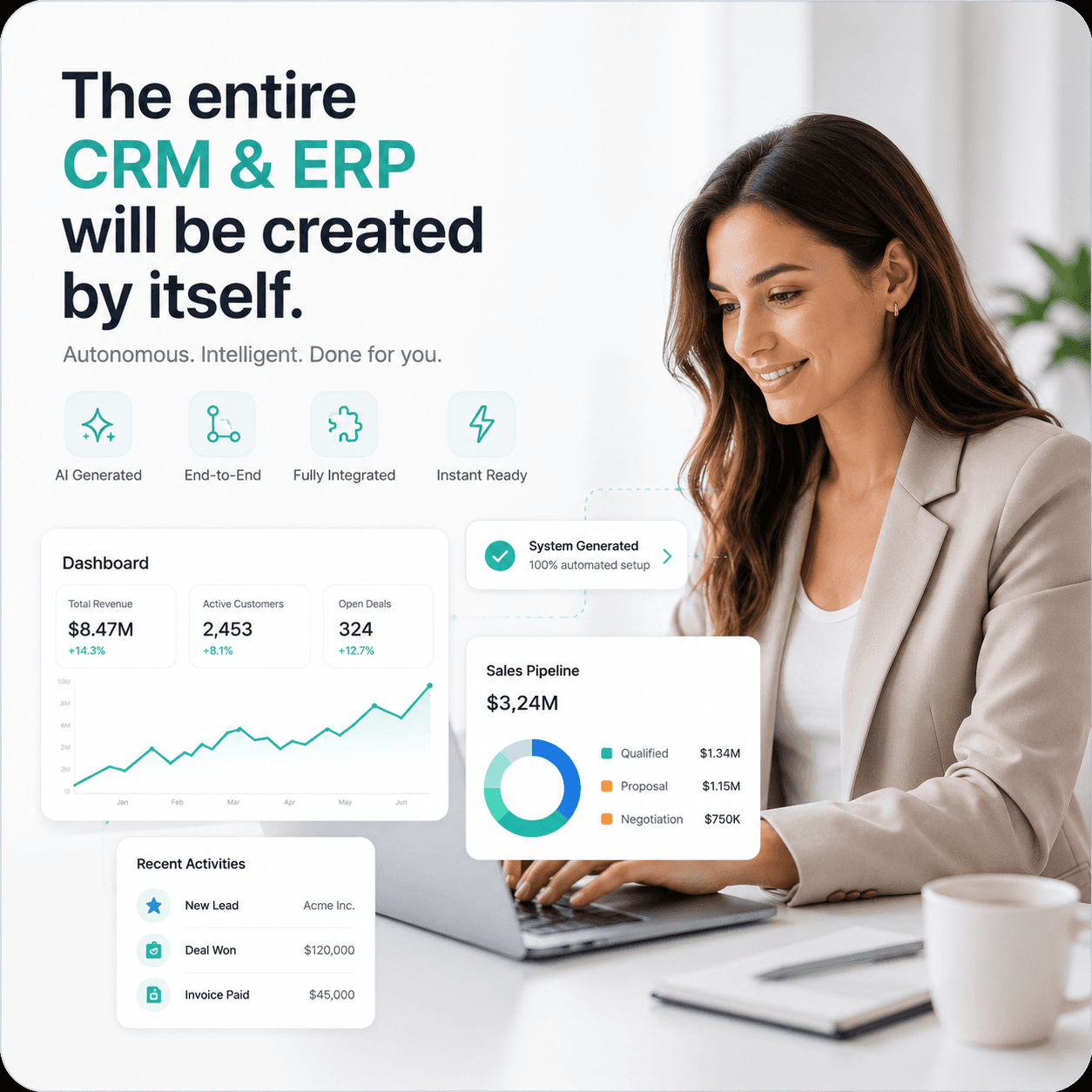
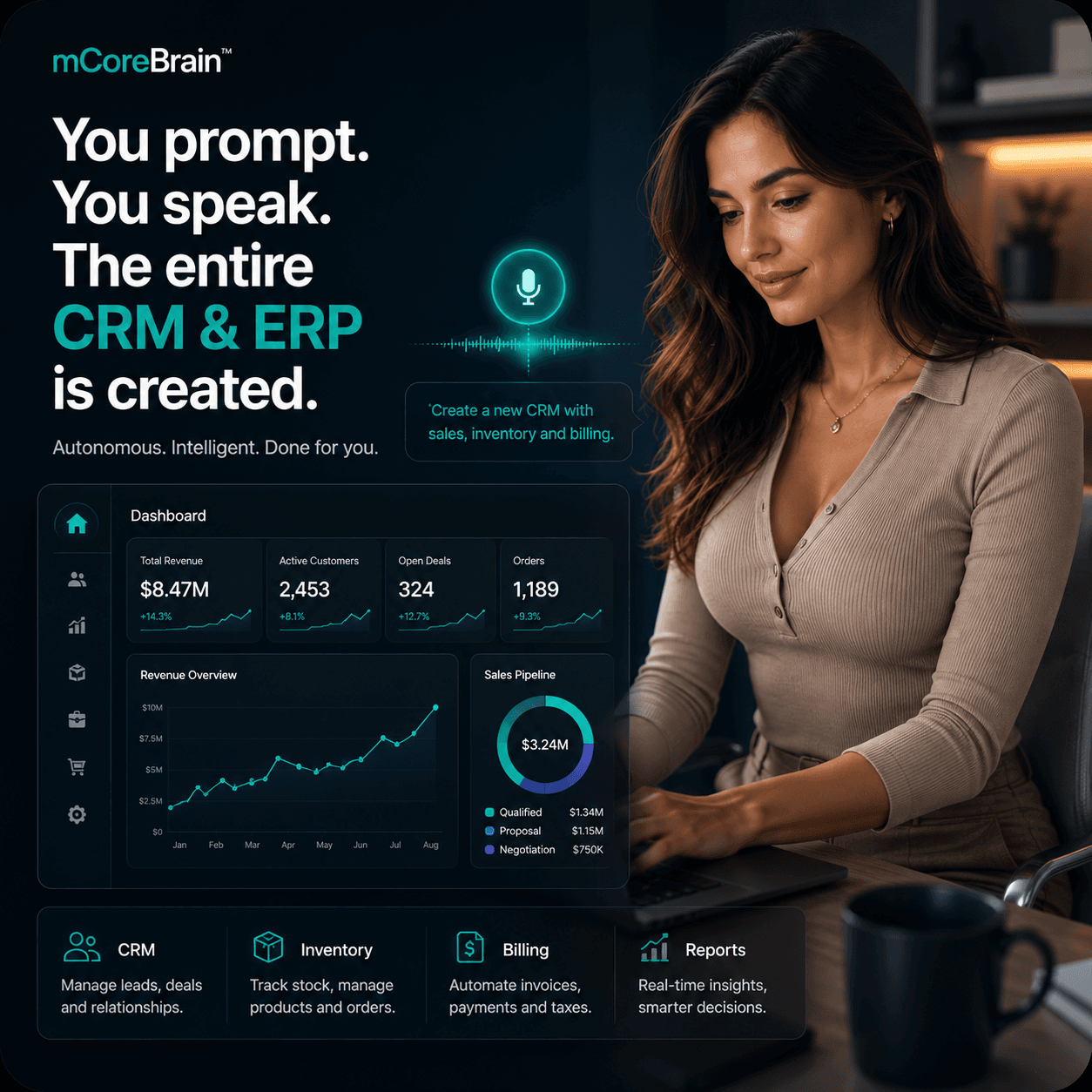
mCoreBrain inverts this problem. Instead of buying a fixed TMS and forcing your operation into its mold, you describe your logistics operation in plain language, and the AI generates your CRM/ERP instantly.
Here's what that looks like in practice:
1. Define Your Data Model in Minutes
You tell mCoreBrain:
- "We manage loads, drivers, vehicles, and customers. A load has a pickup location, drop-off location, weight, hazmat status, deadline, and assigned driver. Drivers have certifications, hours-of-service compliance status, and vehicle assignments. Each vehicle tracks mileage, fuel, maintenance schedule, and inspection date."
2. Workflows & Automation Built In
You describe your business rules:
- "When a load is assigned to a driver, check their hours-of-service. If they're over the limit, flag it and suggest reassignment."
- "When a delivery is marked complete, auto-generate an invoice from the rate card and send it to the customer."
- "When a vehicle's inspection is 30 days overdue, alert the fleet manager."
3. Role-Based Access for Your Whole Team
You define roles:
- Dispatcher: See open loads, assign drivers, edit pickup/dropoff details.
- Driver: View assigned loads, update delivery status, record mileage.
- Regional Manager: See all loads and revenue in their region, approve exceptions.
- Compliance Officer: Generate DOT audit reports, track certifications, flag violations.
- Finance: View invoices, payments, and profitability by lane/customer.
4. Scale Without Adding Tools
Your operation grows. You add hazmat specialty loads, LTL consolidation, or international routes. In a multi-tool environment, this means:
- New compliance fields in the TMS.
- Custom alerts in your dispatch system.
- New rate tables in your billing platform.
- Manual sync in spreadsheets.
Real Benefits: What Logistics Operators Actually Get
Faster dispatch decisions: Dispatchers see complete driver history, compliance status, vehicle capacity, and customer preferences in one screen. No context-switching between tools.
Compliance confidence: Audit trails, certification tracking, and regulatory fields are built into every transaction. Generate DOT reports in minutes, not days.
Better billing accuracy: Loads, rates, weight verification, and invoicing happen in one system. Disputes drop. Cash flows faster.
Data-driven operations: Profitability by lane, driver, customer, or region isn't a three-day analytics project. It's a dashboard query.
Easier scaling: Add a new service, region, or carrier requirement without renegotiating your tech stack.
Deploy and Move On
The promise of prompt-native systems is radical simplicity: describe what you do, deploy in hours, own your system. mCoreBrain doesn't replace your dispatch expertise—it makes it move faster, with fewer tools, and fewer errors.
For logistics operators tired of system sprawl, that's a genuine change.
Ready to replace your logistics tool stack with one AI-native system? Visit mCoreBrain to describe your operation and deploy your custom logistics CRM/ERP in hours, not months.