How Commercial Real Estate Brokers Manage Deals & Teams
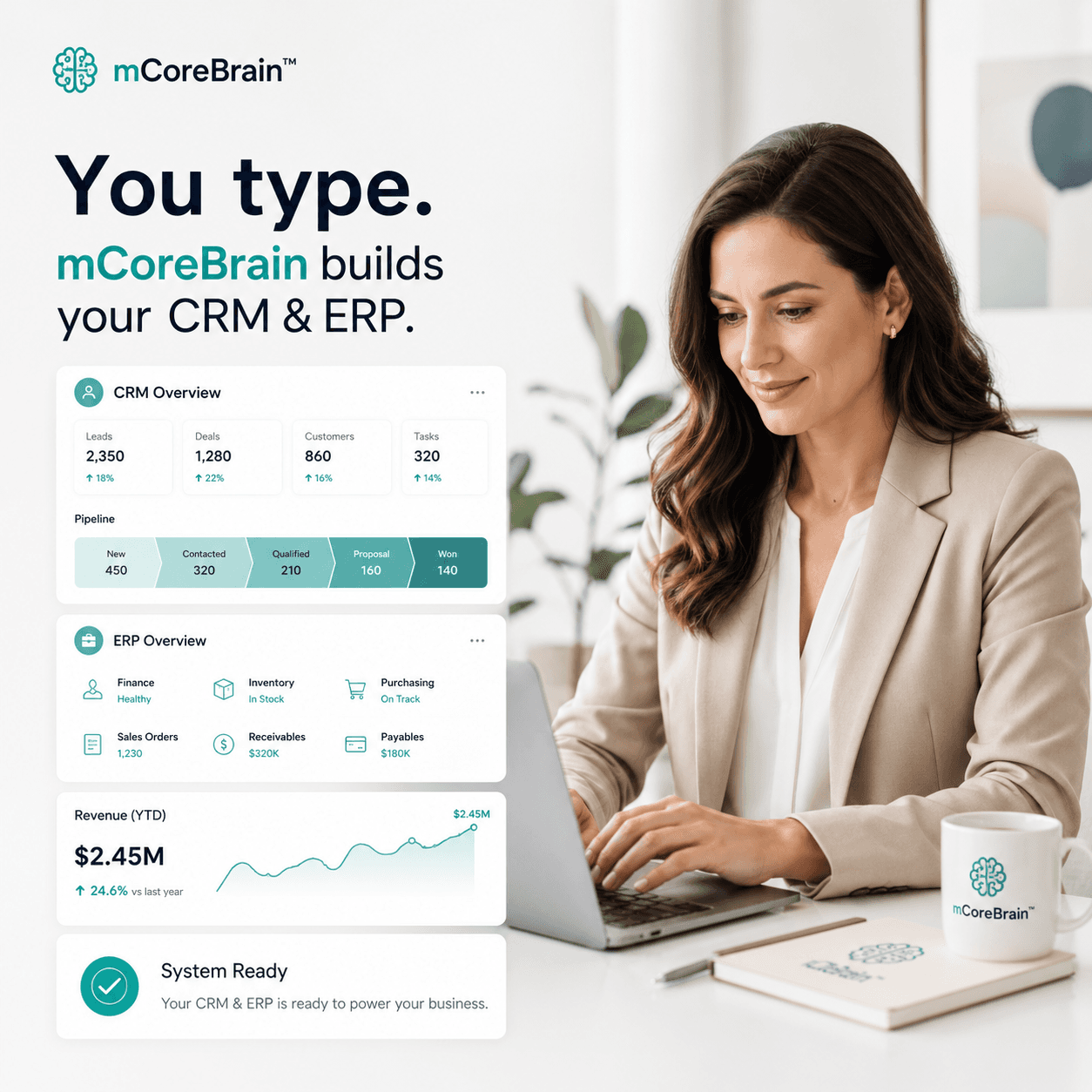
Commercial real estate brokers juggle property pipelines, tenant negotiations, and multi-agent teams. mCoreBrain lets you build a deal-focused CRM in minutes.

The Commercial Real Estate Problem
Commercial real estate brokerage is a paradox: high-value deals, but scattered workflows. You're managing:
- Property catalogs with specs, photos, zoning, lease terms
- Deal pipelines spanning months—from prospecting to closing
- Tenant & landlord relationships with competing interests
- Multi-agent commissions and deal splits
- Compliance tracking for fair housing, disclosures, and contract deadlines
- Market intelligence (comps, pricing trends, cap rates)
Traditional CRM platforms force you to adapt your business to the software. You spend months configuring fields and hiring consultants before you can even log a prospect.
Why mCoreBrain Changes the Game
mCoreBrain lets you describe your brokerage in plain language—and the AI generates your entire system in real time.
Instead of:
- Hiring a Salesforce consultant for 6 weeks
- Defining deal stages and property attributes in a spreadsheet
- Building custom fields for commission splits and lease terms
- Training agents on complex workflows
"I need a system that tracks commercial properties with rent rolls and cap rates. I want deal pipelines for each property type (office, retail, industrial). I need to assign deals to agents, track commissions by deal, and store lease documents. I want a dashboard showing active deals by agent and average days-to-close."
mCoreBrain generates your entire schema in seconds. Modules, fields, workflows, role-based access—all automatically. You deploy to production with one click.
What a Prompt-Native CRM Looks Like for CRE
Your system includes:
Property Management
- Property records with rent roll, tenant info, lease expiration dates, cap rates
- Photos, floor plans, zoning details tied to each property
- Market comparables for pricing intelligence
- Stages custom to your brokerage: Prospect → Qualified → Negotiating → Under Contract → Closed
- Separate pipelines for buyer/seller/lease deals
- Automated task creation (send LOI, order inspection, finalize docs)
- Commission structure defined at the workflow level—automatically calculates splits
- Each agent sees their deals, their pipeline, their revenue
- Role-based access: agents see only their deals unless you grant view-all permissions
- Admin layer separates pipeline management from business logic
- Attach LOIs, purchase agreements, lease documents to deals
- Compliance checklist templates (fair housing, disclosures, state-specific rules)
- Contract deadline alerts tied to the deal stage
- Days-to-close by agent and property type
- Revenue by agent, by property type, by month
- Pipeline forecast by deal stage and close probability
- Commission variance reports
The Governance Layer That Matters
This is where traditional CRM stumbles. Your system has two layers:
- Admin/Config Layer: Only your operations manager touches this. They define deal stages, property attributes, commission structures, and role definitions.
- Business User Layer: Agents log in, manage their deals, and close them. They never see the backend.
Real-World Workflow
An agent logs a new office property with 5,000 sf, $45/sf rent, and 8% cap rate. The system automatically:
- Creates a deal record linked to the property
- Assigns it to the agent's pipeline in "Prospect" stage
- Sets a follow-up task for 3 days out
- Calculates commission based on deal size (defined in the config layer)
- Surfaces comparable properties and recent sales in the same submarket
- Triggers a document checklist (purchase agreement, title commitment, environmental report)
- Sets deadline alerts for inspections and appraisals
- Notifies the compliance team to review fair housing documentation
- Updates the revenue forecast for that agent and property type
Why This Matters for Scale
As your brokerage grows—adding agents, new geographies, new deal types—your system scales with you. You adjust the rules in the config layer. Your agents keep working. You never hit a wall where Salesforce or HubSpot become too rigid or too expensive.
And because mCoreBrain is prompt-native, you can evolve your system by describing changes in English. No API calls, no technical debt, no legacy constraints.
Start Building Your CRE System
Your brokerage deserves software built for how you actually work—not software you have to fit into. mCoreBrain makes that possible.
Ready to retire your spreadsheets and consultant-heavy CRM? Visit mCoreBrain.org to describe your brokerage in plain language. Your system deploys in minutes, and you own it entirely. No code, no lengthy implementation, no vendor lock-in.