How Interior Design Firms Win Projects Without Tool Sprawl
Interior design firms juggle clients, concepts, budgets, and timelines across email, spreadsheets, and disconnected tools. mCoreBrain unifies the entire workflow in one AI-native platform.

The Interior Design Workflow Problem
Interior design is a high-touch, multi-phase business. A single project involves:
- Lead capture & qualification — inquiries from websites, referrals, social media
- Design consultation & conceptualization — mood boards, sketches, client feedback loops
- Proposal & pricing — itemized budgets, material costs, labor estimates, revision tracking
- Project management — timelines, vendor coordination, site visits, approvals
- Billing & invoicing — milestone-based or phase-based payments, change orders
- Client communication — revisions, feedback, progress updates, final delivery
Why Traditional CRM/ERP Fails for Design
Generic CRM platforms like Salesforce or HubSpot were built for sales teams, not design workflows. They lack:
- Design-specific fields: mood boards, material libraries, revision history, approval workflows
- Budget & estimate management: itemized line items, material sourcing, cost tracking
- Visual collaboration tools: annotation on concepts, feedback threads
- Client portal access: self-service progress tracking, feedback submission
- Vendor & supplier management: linked to projects, cost comparison, reorder tracking
How mCoreBrain Changes This
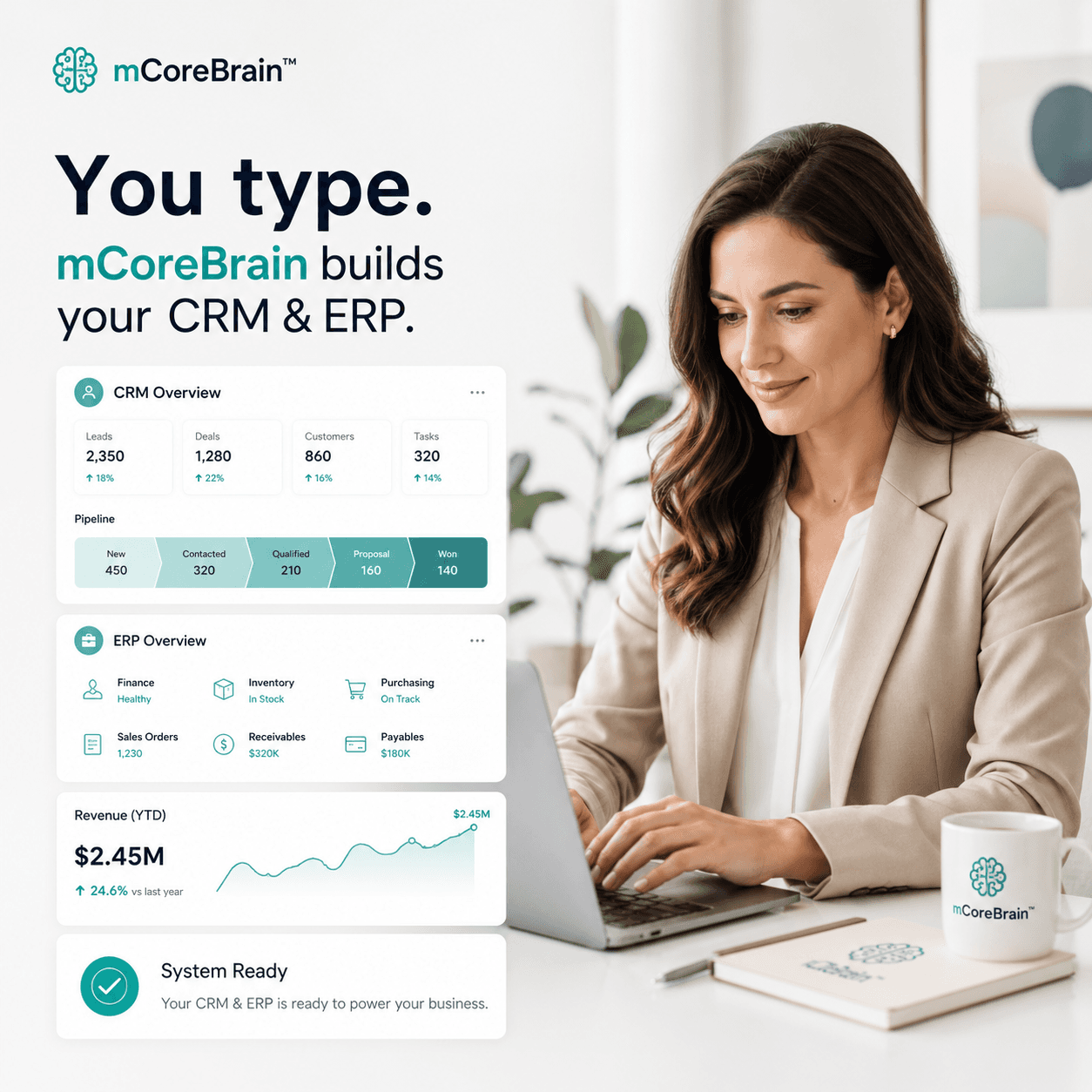
mCoreBrain is prompt-native. You describe your interior design workflow in plain language — and the AI generates your entire CRM/ERP in minutes.
Here's what that looks like:
1. AI-Generated Modules Tailored to Design
Instead of forcing your business into a generic template, you tell mCoreBrain:
"I need to track design projects from lead through delivery. Each project has a client, multiple design concepts with revision history, a budget with itemized materials and labor, a timeline with milestones, and vendor orders linked to cost tracking. I also need a client portal where clients can view concepts and submit feedback."
mCoreBrain generates modules for:
- Leads & Prospects (with design inquiry source tracking)
- Projects (linked to clients, budgets, timelines)
- Design Concepts (with revision history and approval workflows)
- Budgets & Estimates (itemized, with vendor pricing)
- Timelines & Milestones (with approval gates)
- Vendor Orders (linked to budget line items and project cost tracking)
- Client Portal (for feedback and progress visibility)
- Invoicing (milestone-based, tied to project phases)
2. Workflows That Match Your Process
You define your approval process in plain language:
"When a design concept is submitted for client review, send the client an automated notification with the mood board attachment. When the client provides feedback, notify the designer. When the revision is complete, notify the client again. Only allow invoicing after the client approves the concept and gives final sign-off."
mCoreBrain generates the entire workflow — no code, no consultant.
3. Role-Based Access That Protects Your Work
You specify roles:
- Designer: Creates concepts, manages revisions, tracks budget
- Project Manager: Owns timeline, coordinates vendors, manages milestones
- Client: Views concepts, submits feedback, approves designs (read-only portal access)
- Admin: Manages vendor pricing, invoicing, client access, reporting
4. One-Click Production Deployment
Once configured, you deploy to production with a single click. Your team logs in the next day with a fully operational design CRM/ERP — no migration, no IT overhead.
Real Workflow Impact
With mCoreBrain, your team:
- Responds faster to leads — all inquiries in one place, automated follow-up
- Tracks revisions cleanly — version history, client feedback linked to concepts
- Manages budgets transparently — designers and project managers see real material costs, no surprises
- Bills accurately & on time — milestones trigger invoices automatically
- Reduces scope creep — change orders tracked and approved before work begins
- Keeps clients informed — portal updates without manager overhead
Why This Matters
Design firms live or die on client satisfaction and project profitability. When you're managing workflow in spreadsheets and email, you lose both. Clients get frustrated by slow communication. Budgets blow because hidden change orders accumulate. Designers spend time chasing information instead of creating.
mCoreBrain puts the system in the background so your team can focus on what they do best: designing beautiful spaces and building client relationships.
Get Started
Ready to unify your interior design workflow? Visit mcorebrain.org to describe your business and see your AI-generated CRM/ERP in action. No code. No consultants. Just a platform that speaks your language.