How Veterinary Clinics Manage Patients, Staff & Revenue in One System
Veterinary practices juggle patient records, appointment scheduling, inventory, payroll, and billing across disconnected tools. mCoreBrain unifies it all in days.

The Veterinary Practice Problem
Veterinary clinics operate like mini-hospitals: they manage patient histories, complex appointment workflows, controlled substance inventory, staff schedules, and revenue tracking. Yet most practices rely on a patchwork of systems—a practice management tool for scheduling, a separate inventory system, spreadsheets for payroll, and fragmented email for client communication.
The result? Lost patient records, overbooking, inventory shrinkage, missed follow-ups, and compliance headaches. When a patient emergency happens, critical information is scattered across three different platforms. When a technician calls out sick, there's no quick way to see which procedures must be rescheduled. When medication stock runs low, nobody knows until a procedure is already booked.
Traditional CRM/ERP platforms aren't built for this complexity. They're designed for sales pipelines or generic workflows—not the specific, clinical reality of veterinary medicine.
Why mCoreBrain Changes the Game
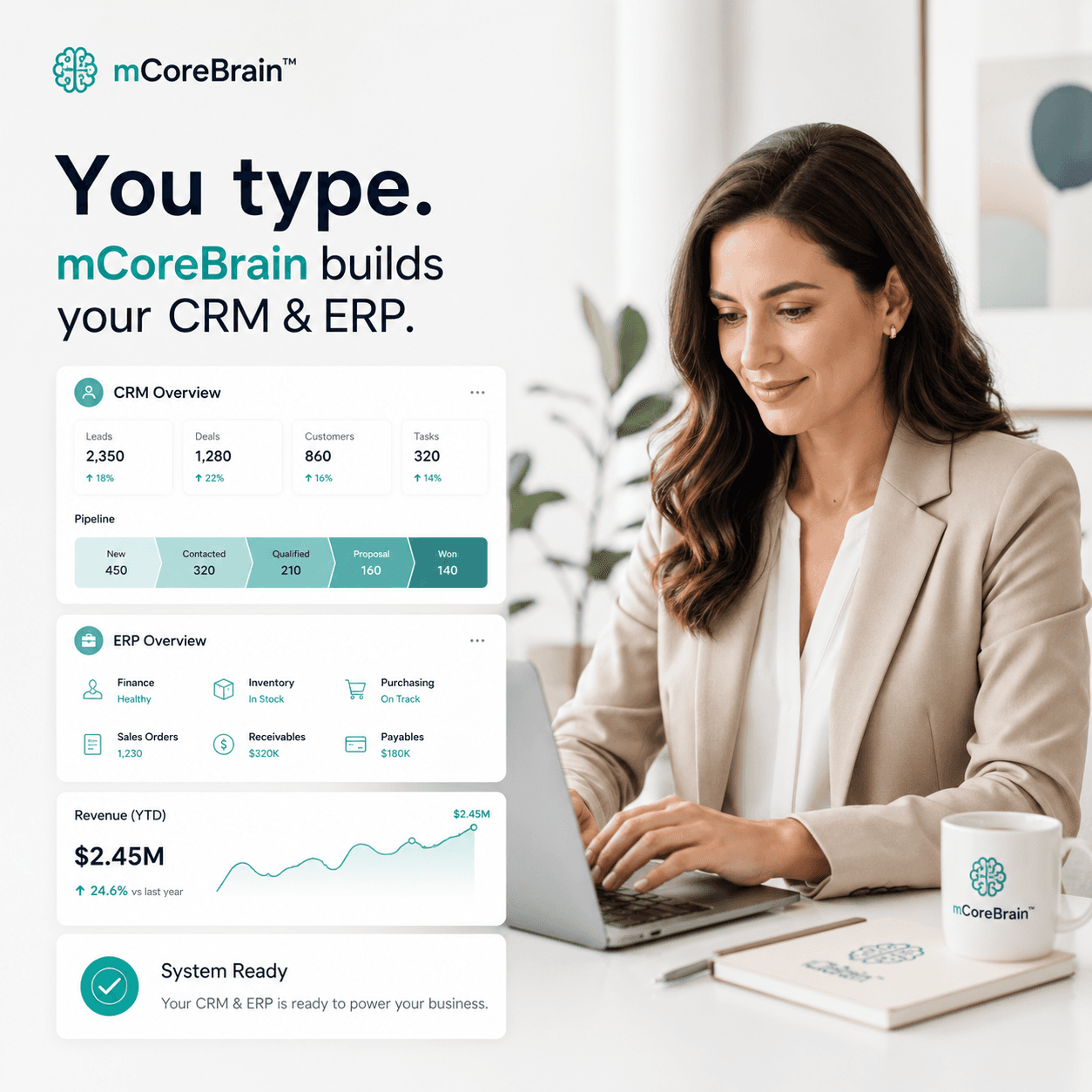
No configuration required. Describe your clinic's workflow in plain language: "We need to track patients by species and owner, schedule appointments by procedure type, manage controlled substances separately, flag urgent follow-ups, and bill insurance." mCoreBrain generates your entire system—fields, workflows, roles, and dashboards—instantly.
Unified patient & business data. Every veterinarian and technician sees the same patient history, vaccination status, medication allergies, and last visit date. Receptionists see real-time appointment availability and can confirm insurance coverage before checkout. Managers see revenue by procedure, staff utilization, and inventory turnover in one dashboard.
Governed access. Veterinarians can access full patient records and order controlled substances. Receptionists can book appointments and pull up client contact info—but not payroll data. Inventory managers track stock levels and set auto-reorder thresholds. Owners see clinic performance, profit margins, and staffing costs in real time. Everyone works in their own layer, but the data is consistent.
Compliance built in. DEA-controlled substance tracking isn't bolted on—it's native to your system. Audit trails show who accessed which records. Client privacy and HIPAA-equivalent protections are default, not afterthoughts.
How It Works in Practice
A client calls to book an appointment for their dog's ear infection. The receptionist logs in, sees that Dr. Martinez is available Tuesday at 2 PM, and books it. The system auto-flags this as a recheck patient and sets a reminder for a follow-up call in 10 days.
Tuesday arrives. Dr. Martinez opens her dashboard and sees three appointments: one new patient, one emergency triage, and the ear infection recheck. She taps the ear infection case and sees the full history—last visit, medications given, any complications. She updates the treatment record, adds a prescription, and the system automatically alerts the pharmacy tech to prepare medication.
After the visit, the receptionist confirms the client has current insurance, generates an itemized invoice, and sends it via email with a payment link. The system records the payment, updates the patient ledger, and adjusts inventory stock in real time.
Meanwhile, the clinic manager reviews her dashboard: 87% of today's appointments were on-time, Dr. Martinez handled 12 cases with 98% client satisfaction, and amoxicillin stock is down to 8 weeks' supply (auto-reorder triggered). Revenue for the week is tracking 12% above last month.
Deployment & Time to Value
Traditional practice management software takes 6–12 weeks to implement, with consultants, data migration, training, and extensive customization. mCoreBrain works differently.
Week 1: Describe your clinic's structure—staff roles, appointment types, client communication preferences, billing rules. mCoreBrain generates your system.
Week 2: Import patient and client data. Set up role-based access for your team.
Week 3: Train your team, run a parallel test, then go live.
No custom code. No vendor lock-in. No six-month payback period.
Why This Matters
Veterinary clinics are increasingly sophisticated businesses, but they're constrained by legacy software built 15 years ago. Practices are hiring associate veterinarians, adding dental and surgical services, expanding into telemedicine, and managing multi-location operations—but their systems can't keep up.
mCoreBrain empowers clinics to scale without adding overhead. You can add a new service line (say, orthopedic surgery) by describing it in natural language. mCoreBrain generates the workflows, creates tracking fields, sets up billing codes, and connects it to your inventory and staff schedules—in minutes.
Ready to Unify Your Clinic?
If your practice is managing patient care, staffing, inventory, and billing across disconnected systems, it's time to consolidate. Visit mcorebrain.org to see how prompt-native AI can give you a unified CRM/ERP in days—without code, consultants, or complexity. Describe your clinic, and let AI build your system.